Transcript
The narration is in Saudi Arabic. This is its English translation, which also appears on screen as subtitles.
Sign in and the dashboard
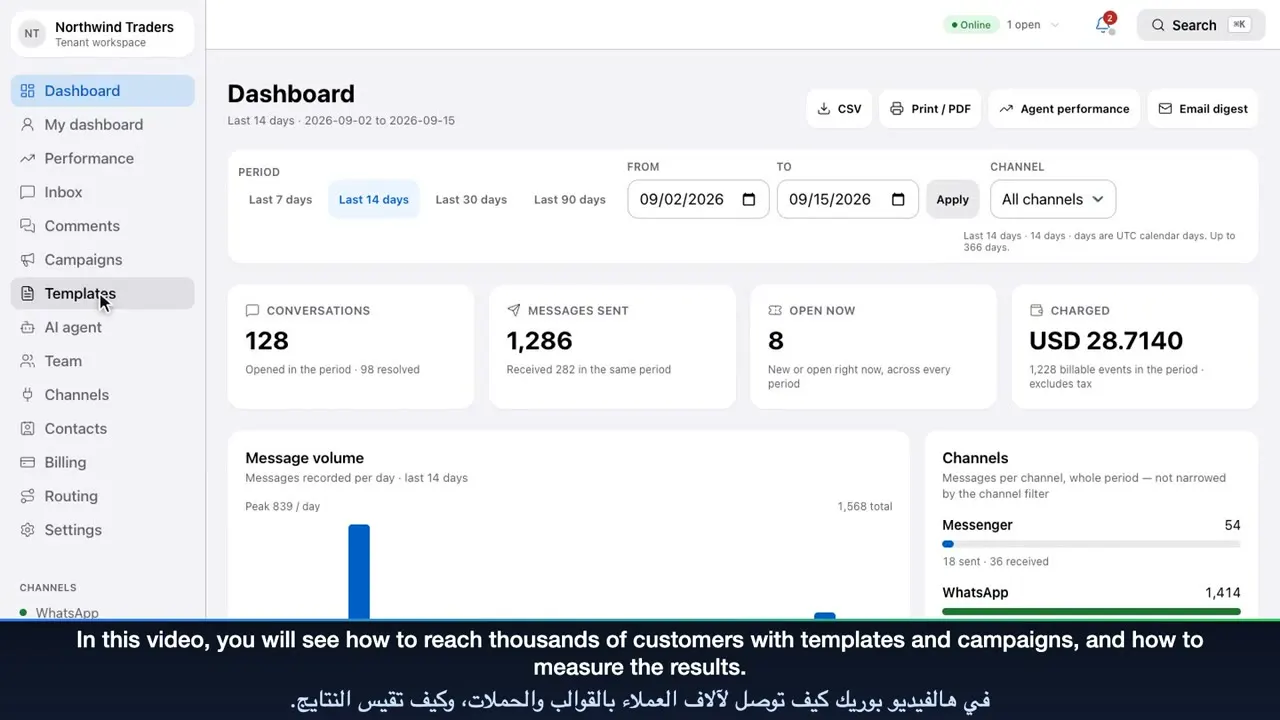
Welcome to Meridian: one place to talk to your customers on WhatsApp, Instagram and Facebook. Sign in with your work email and password, or with your Google account. The dashboard shows the full picture: new conversations, messages sent, open tickets and your spending. Choose any period or channel, then export the report as a CSV file or a PDF. Charts show your message volume day by day, and how each channel is performing.
The shared inbox
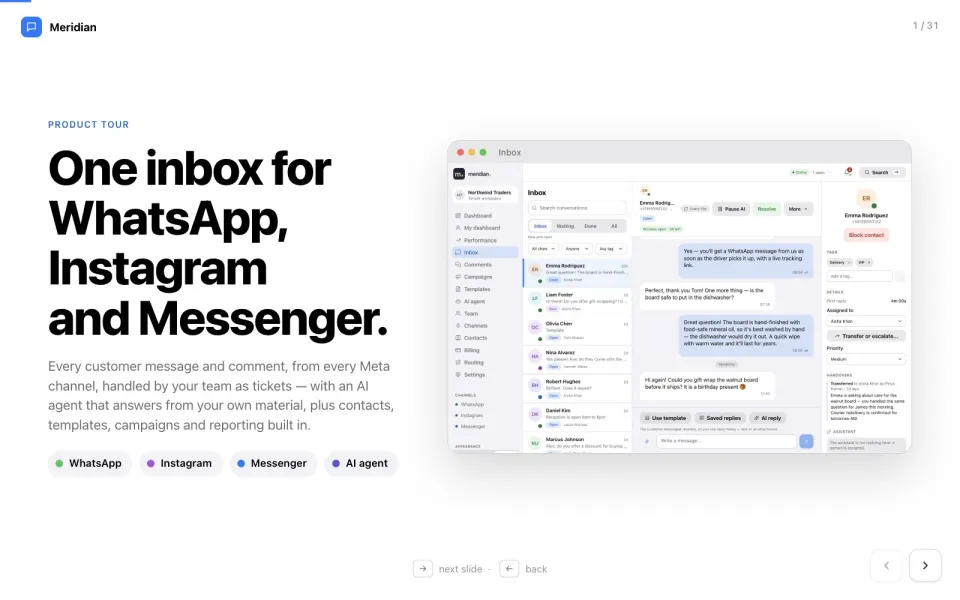
The Inbox brings every private conversation into one list: WhatsApp, Instagram and Messenger, side by side. Filter by channel, by agent or by tag, or search for any customer or message. Tabs separate new work from conversations waiting on the customer, and those already done.
Tickets and the 24-hour window
Open a conversation to see the full history. Every conversation is a ticket, with a status and an owner. This badge tracks WhatsApp’s 24-hour window. While it is open, you can reply freely.
Saved replies
Saved replies insert your team’s best answers in one click, personalised with the customer’s name. Adjust the text if you like, and send. Ticks show when the message is delivered and read.
Priority, tags, notes and hand-over
The details panel is where you organise the work. Set the priority, and add tags so the whole team can find it later. Assign it to a teammate, or transfer and escalate it with a reason. Internal notes are visible only to your team, never to the customer. When you are done, resolve it. Or snooze it until later, and it comes back on its own.
Approved templates
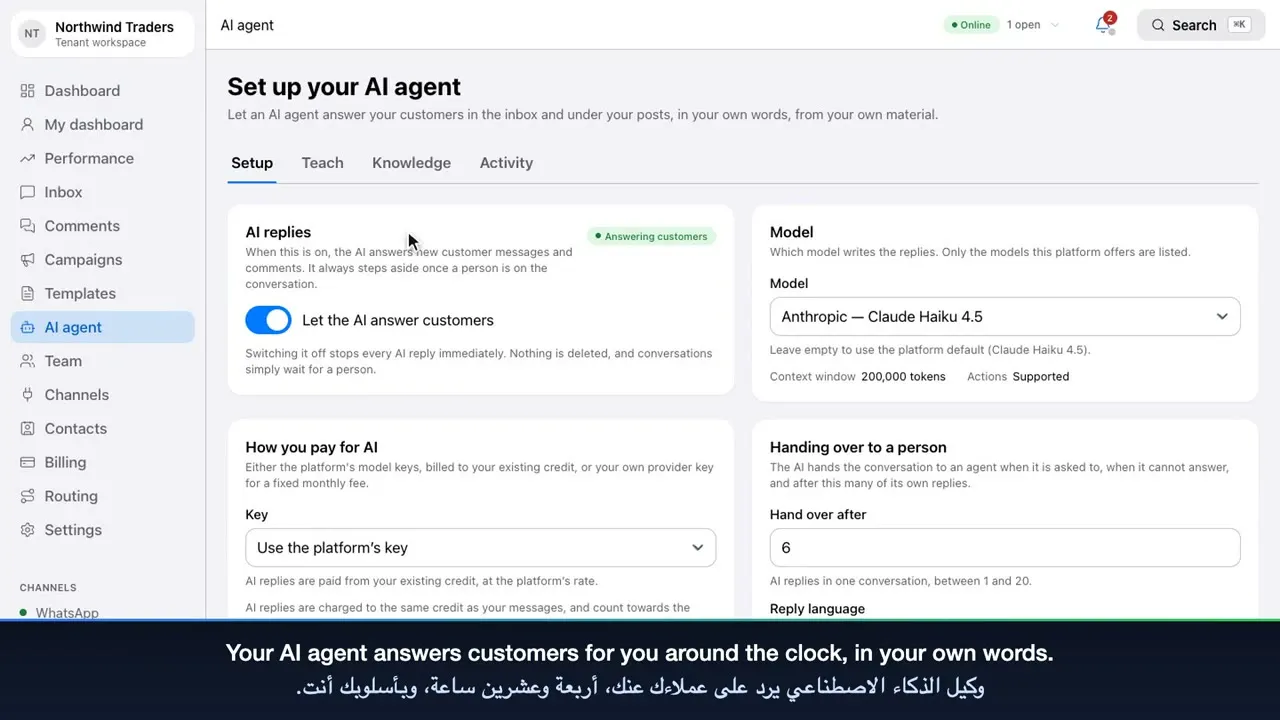
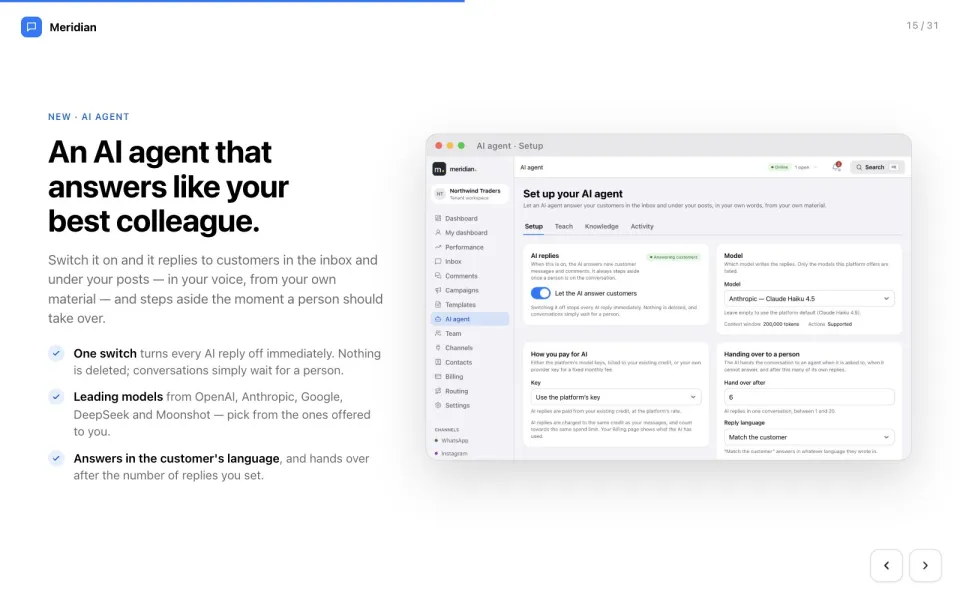
When the 24-hour window has closed, Meridian switches to approved templates, so you never break WhatsApp’s rules. Pick a template, fill in the details, and preview it before you send. If your AI agent is switched on, you can pause it on any single conversation.
Instagram and Facebook comments
Comments collects public comments from your Instagram and Facebook posts, so none are missed. Reply publicly under the post, where everyone can see your answer… …or reply privately, straight to the customer’s inbox. Hide or delete spam in one click, and track what is answered and what still needs a reply.
Contacts
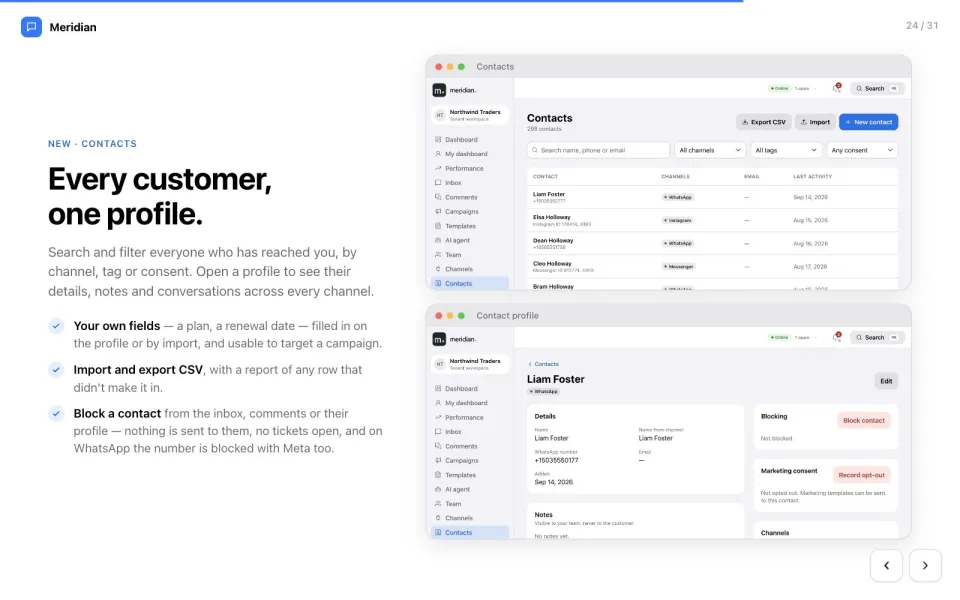
Contacts builds one profile for every customer, across all channels. Each profile shows their details, conversations, tags and marketing consent. Import your customer list, or export it, whenever you need. That is the Meridian inbox. In the next video: templates, campaigns and reports.