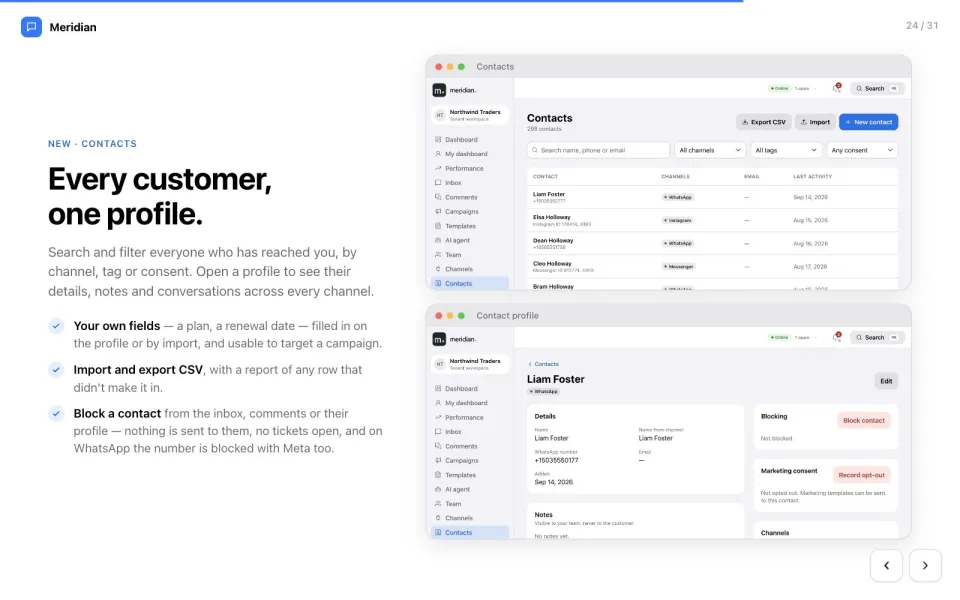
Contacts
Every customer, one profile.
Details, notes, conversations and marketing consent — across every channel, searchable and ready to target.
Learn more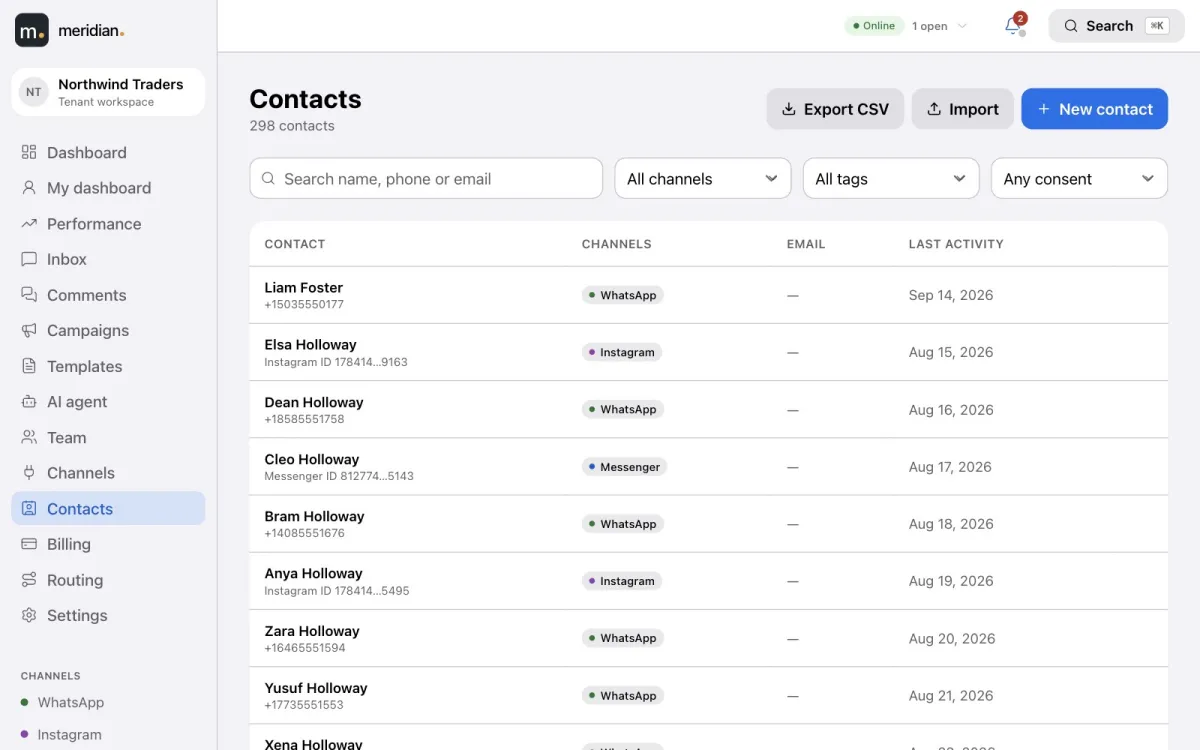

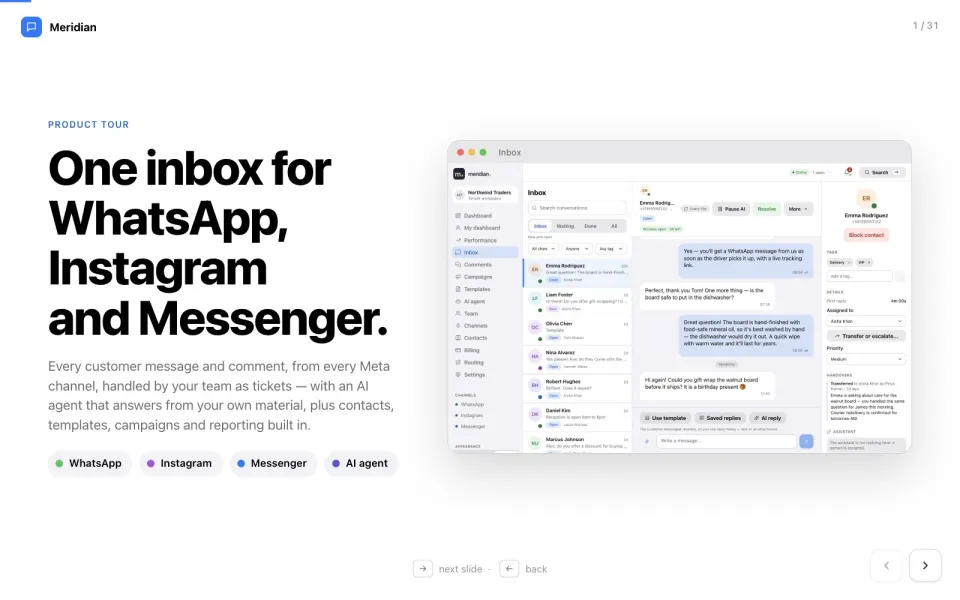
WhatsApp · Instagram · Messenger
Meridian brings every customer message and comment into one place, turns each conversation into a ticket your team owns, and lets an AI agent answer first from your own material — handing over to a person the moment it should.
What is Meridian?
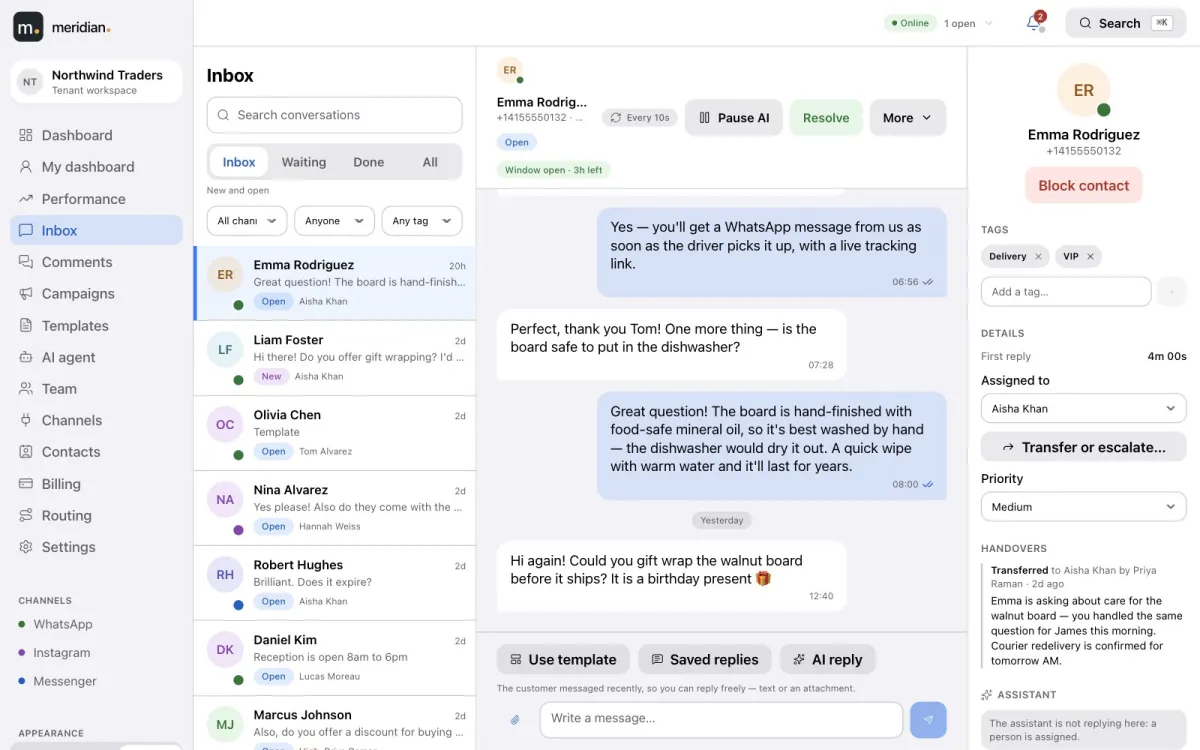
Meridian is a customer-conversation platform for businesses that sell and support on Meta’s channels. Connect your own WhatsApp Business account, Instagram account and Facebook Page, and your team gets a shared inbox with tickets and routing, an AI agent that replies from your knowledge, WhatsApp campaigns, a contacts database and performance reports — billed by usage from a prepaid balance.
One platform
Six parts that work together. Pick one to see how it works.
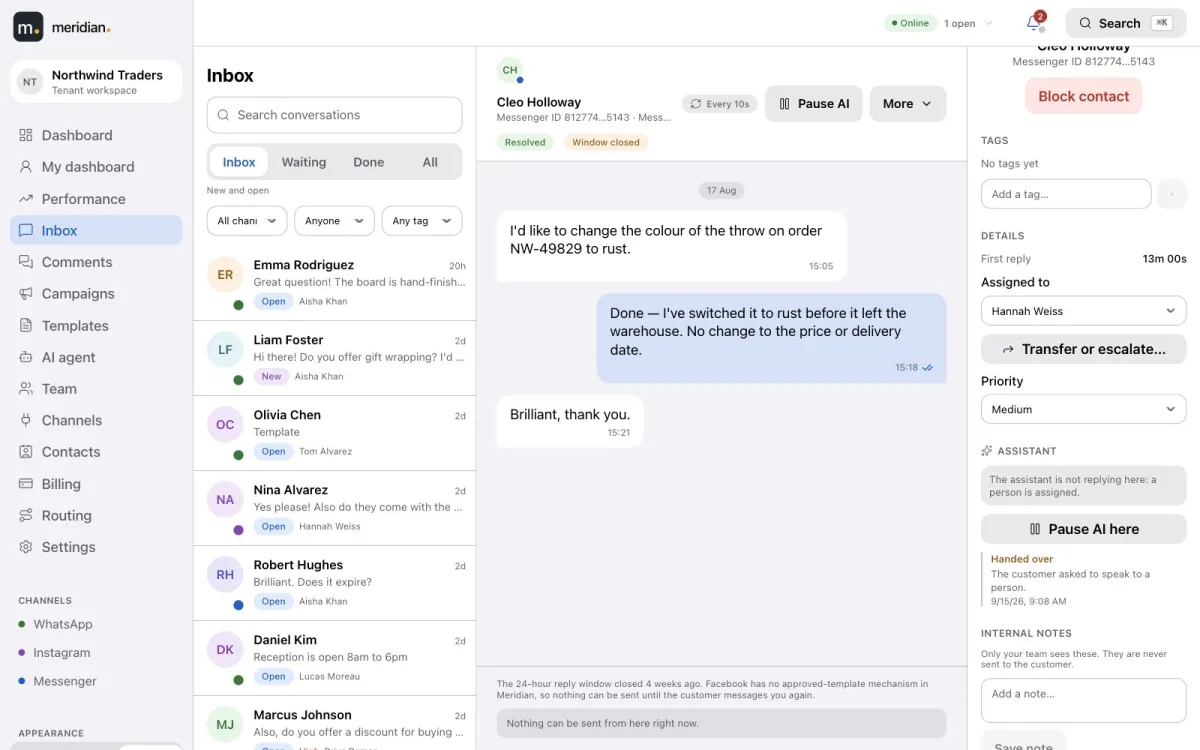
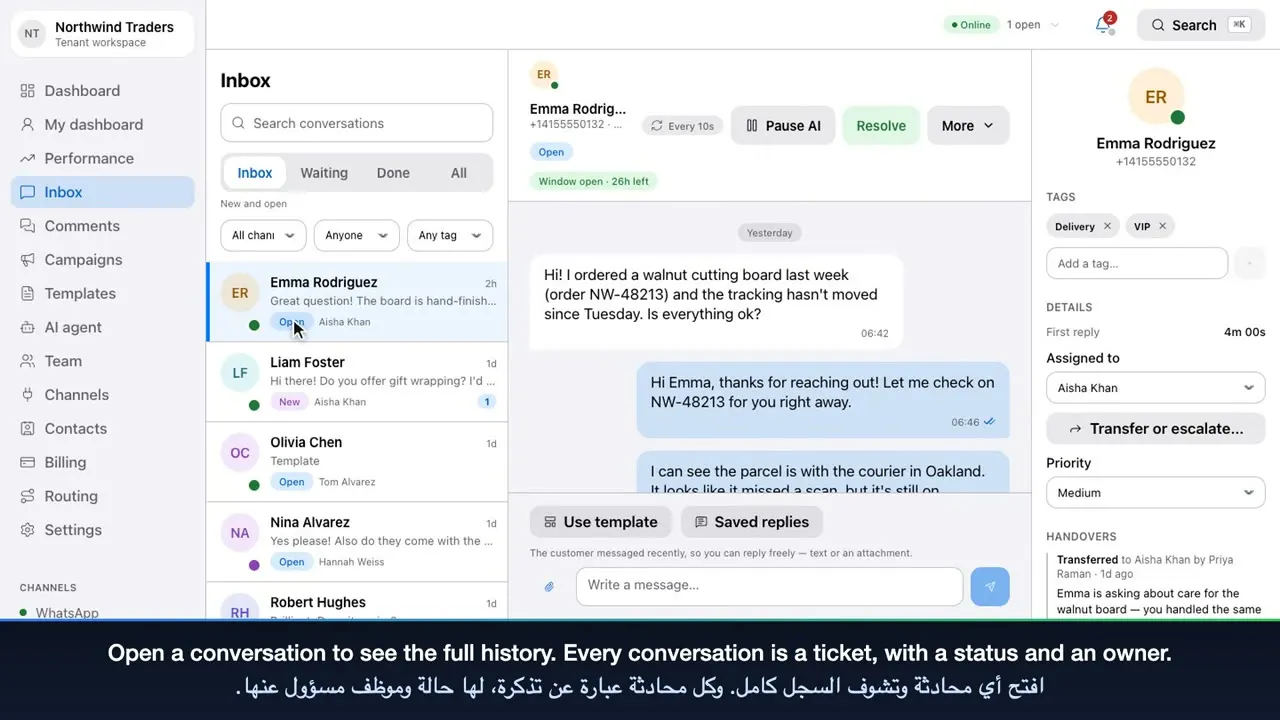
WhatsApp, Instagram DMs and Messenger in one list. Every conversation has a status, a priority, tags, notes and an owner.
Learn moreAnswers customers in the inbox and under your posts from your own knowledge, and hands over to a person when it should.
Learn moreBuild templates, track Meta approval, and send to thousands — checked before sending, at the speed you choose.
Learn moreOne profile per customer across channels, with custom fields, consent, CSV import and export, and blocking.
Learn morePresence, automatic routing and workload limits — plus a leaderboard and a page for every agent.
Learn morePublic comments in their own queue: reply publicly or privately, hide or delete, or let the AI answer.
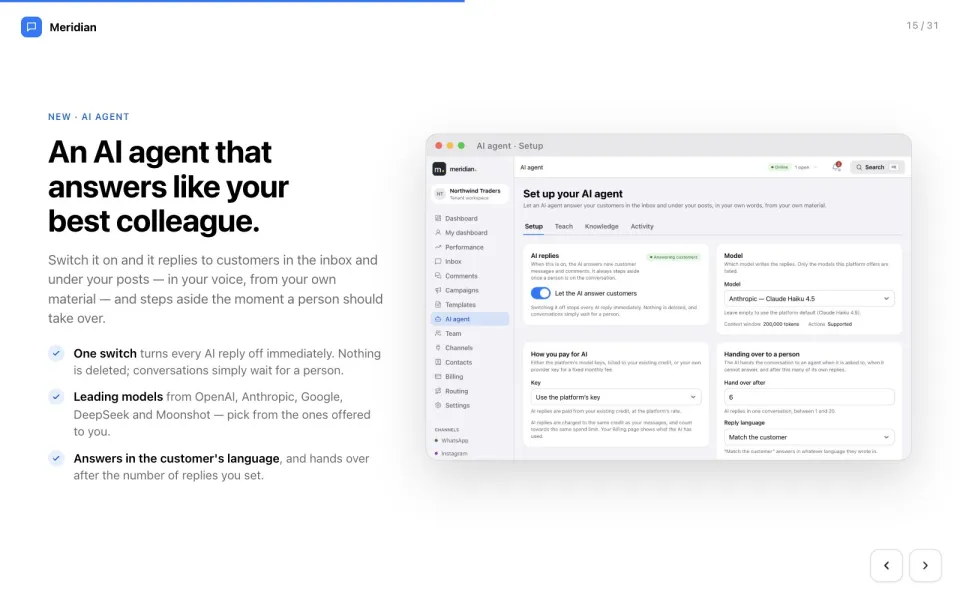
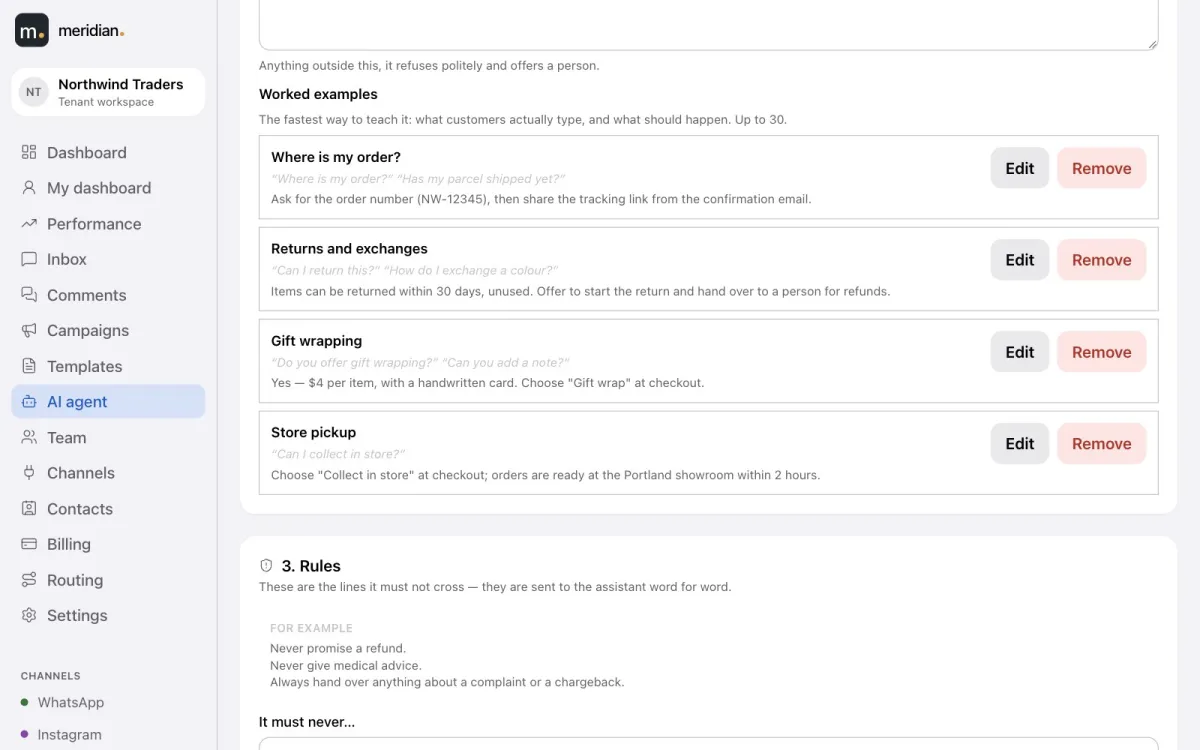
Learn moreAI agent
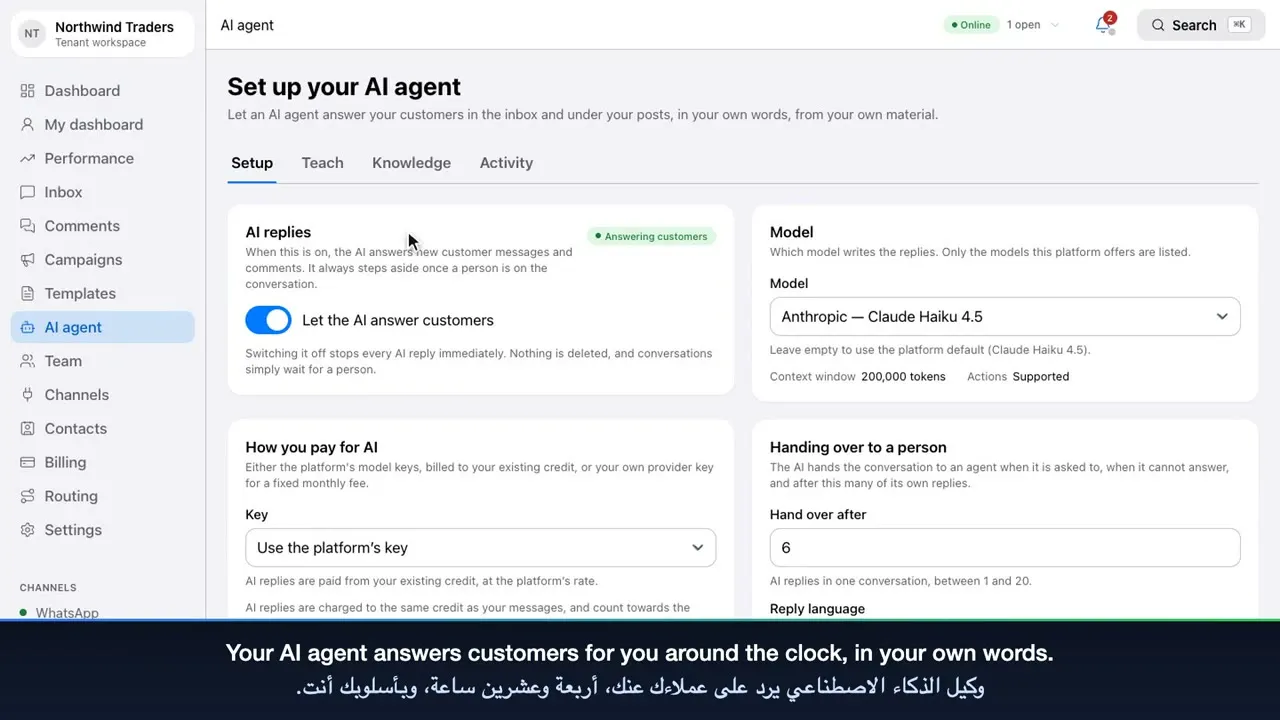
No prompt writing. A guided page asks what a good manager would tell a new team member, and Meridian writes the instructions.
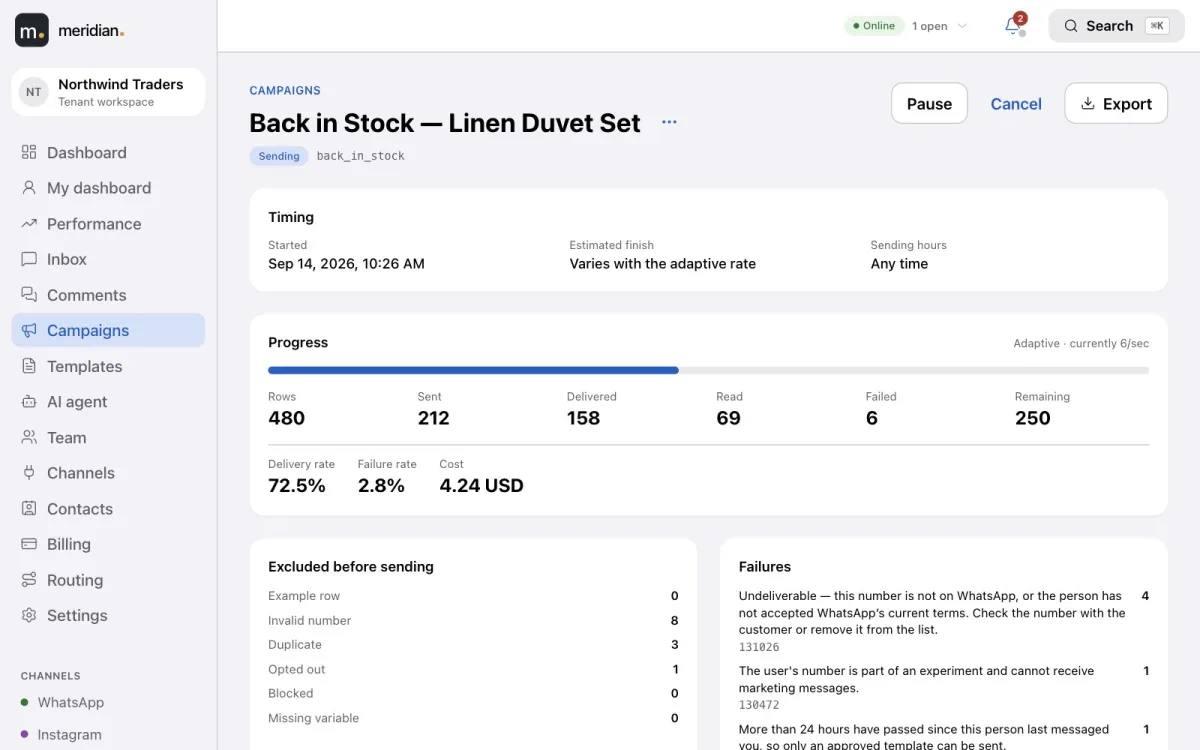
WhatsApp campaigns
Start from an approved template, download a sheet made for it or choose recipients from your contacts, and send at a pace that protects your number.
Contacts
Details, notes, conversations and marketing consent — across every channel, searchable and ready to target.
Learn moreRouting & performance
Round-robin or least-busy routing with workload limits, and response and resolution times for every agent.
Learn more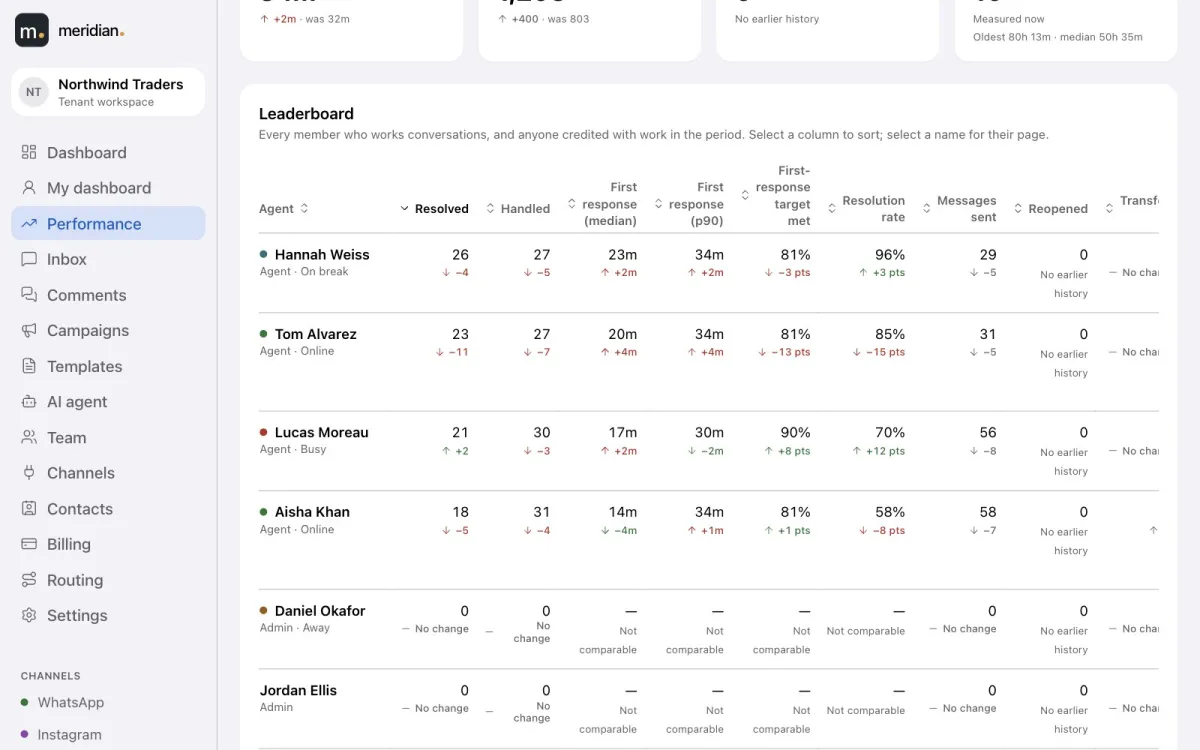
Also included
Getting started
Video tutorials
Three short tours of the real product, narrated in Saudi Arabic with English and Arabic subtitles.
 3:56
Tutorial 1One inbox for every conversationDashboard, shared inbox, tickets, saved replies, comments and contacts.
3:56
Tutorial 1One inbox for every conversationDashboard, shared inbox, tickets, saved replies, comments and contacts.
 3:42
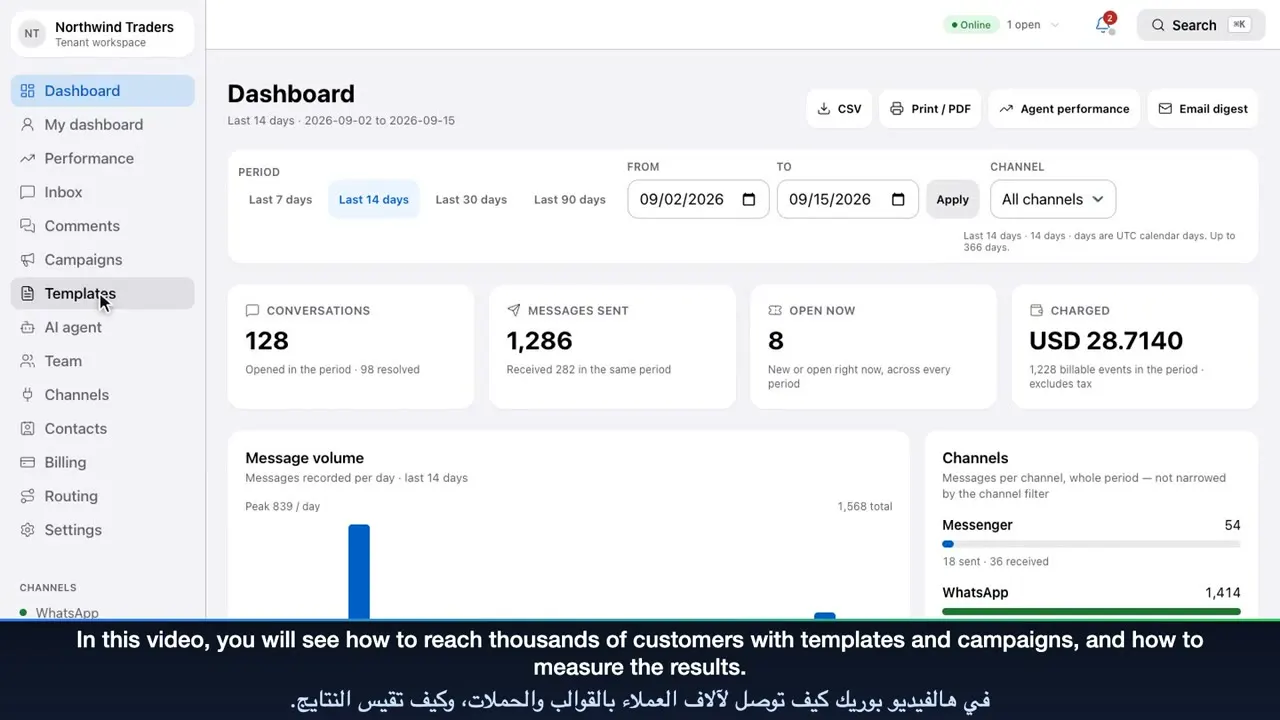
Tutorial 2Templates, campaigns and reportsTemplate approval, the campaign builder, performance and billing.
3:42
Tutorial 2Templates, campaigns and reportsTemplate approval, the campaign builder, performance and billing.
 3:42
Tutorial 3The AI agent, team and settingsTeach the AI agent, then set up your team, routing, channels and security.
3:42
Tutorial 3The AI agent, team and settingsTeach the AI agent, then set up your team, routing, channels and security.Product tour
31 slides covering every feature, with real screenshots and short animations. Open it in your browser, or download the PowerPoint to share with your team.
Meridian is a customer-conversation platform for WhatsApp, Instagram and Facebook Messenger. It gives your team a shared inbox where every conversation is a ticket, an AI agent that answers from your own knowledge, WhatsApp template campaigns, a contacts database, routing and performance reports.
Yes. You connect your own WhatsApp Business account, Instagram business account and Facebook Page through Meta’s official APIs. Your credentials are stored encrypted, and you can connect more than one WhatsApp number.
Yes. It can answer in the language each customer writes in, or always in a language you choose. You list the languages it may use; if a customer writes in another one, it hands the conversation to a person.
It is built not to. It states only facts it finds in the knowledge you give it — written answers, documents, web pages and saved replies — and hands anything else to your team with the reason.
Create a campaign from an approved WhatsApp template, upload the sheet Meridian prepares for it or choose recipients from your contacts, pick a sending speed and schedule, and start. Every recipient is checked before sending and reported on afterwards.
Yes. Comments on your posts arrive in their own queue. Your team — or the AI agent — can reply publicly under the post or privately in the customer’s inbox, and hide or delete spam in one click.
Meridian is usage-based. Messages sent and received, and AI replies, are paid from a prepaid balance, with a spend limit you set and an itemised monthly statement. For AI you can instead use your own provider key and pay a fixed monthly fee.
No. Meridian runs in the browser on desktops, tablets and phones, in light or dark mode.
Create your Meridian account, connect your channels and start answering today.